Note67 – Local first, private meeting notes assistant
We all have many meetings day to day, from sales calls, brainstorms, interviews, one-on-ones. The transcription tools that exist today are good. Otter.ai, Fireflies, the built-in options from Microsoft and Google—they work well and they are convenient.
But I wanted something that ran entirely on my machine. No accounts, no cloud processing, no data leaving my device. Not because the existing tools are bad. Just because I wanted to know, with certainty, that my conversations stayed private.
How It Works
Note67 captures audio, transcribes it locally using Whisper, and generates AI-powered summaries—all on your device.
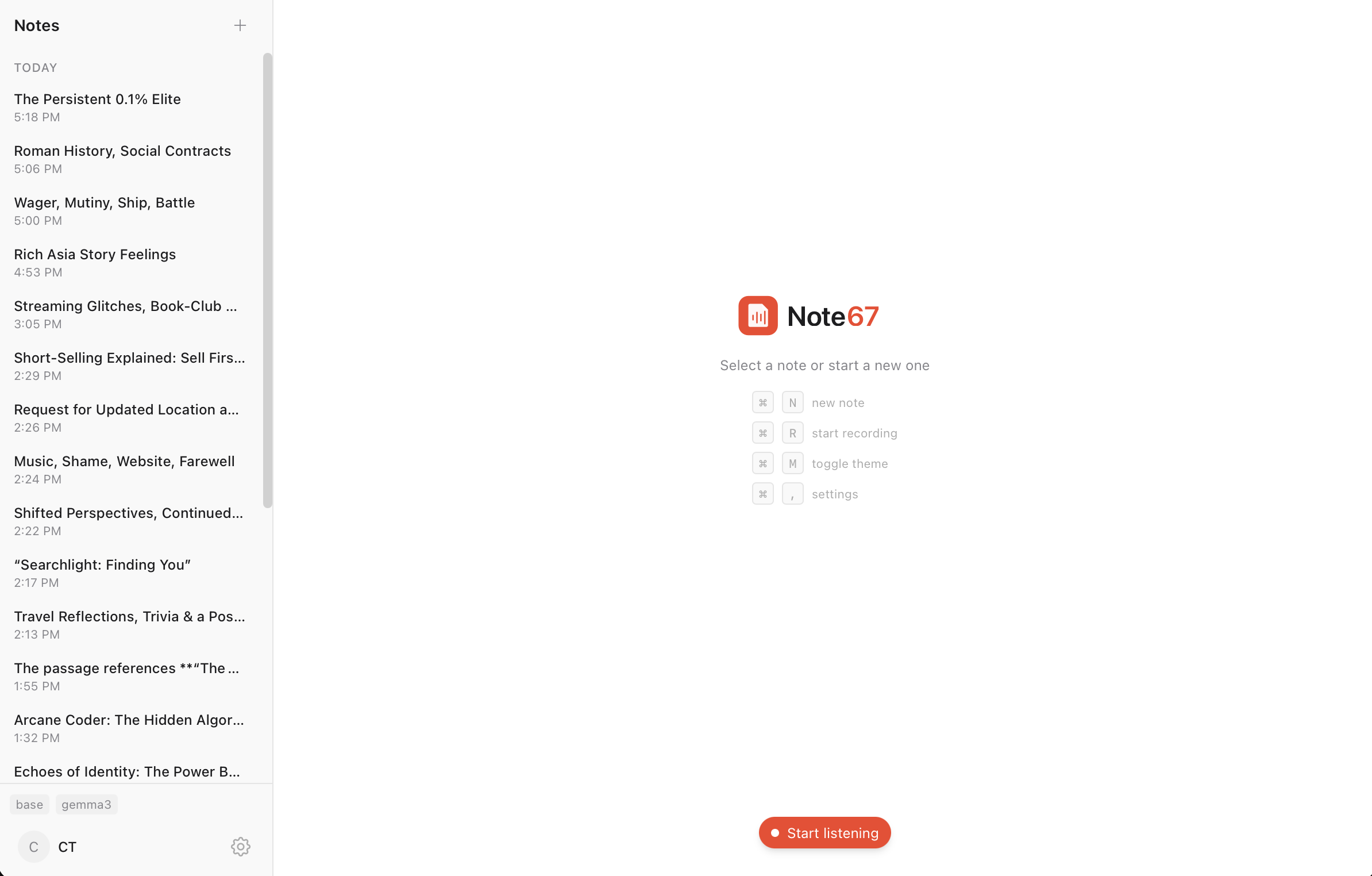
When you press record, the app captures both your microphone and your system audio. Both streams are processed in real-time by Whisper, running entirely on your machine. The transcripts are stored in a local SQLite database. When you want a summary, the app sends the transcript to Ollama, which runs a local language model—also on your device.
No subscriptions. No servers. You install it once and it is yours.
What It Does
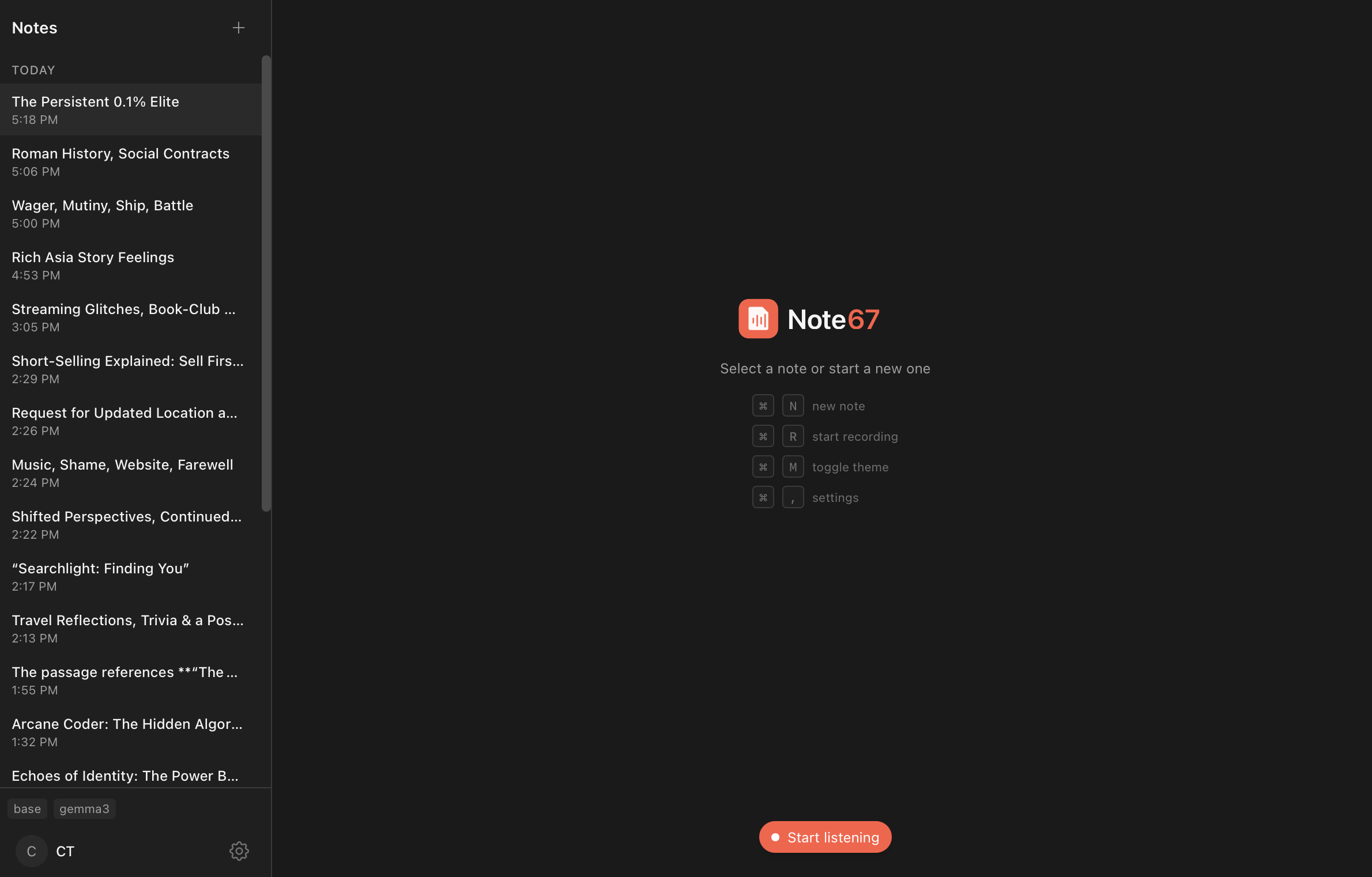
The interface is minimal. You see a list of your notes. You create a new one, press record. The transcript appears in real-time.
On macOS 13 and later, Note67 can distinguish between your voice and meeting participants. Your microphone captures you. ScreenCaptureKit captures the system audio. The transcript labels each segment: “You” or “Others.”
One problem I had to solve: when you use speakers instead of headphones, your microphone picks up the audio playing from your speakers. The voices of meeting participants get captured twice. Note67 handles this with voice activity detection and text similarity matching—if the microphone transcript overlaps with something already captured from system audio, it gets filtered out. Headphones still produce better results. But it works well enough.
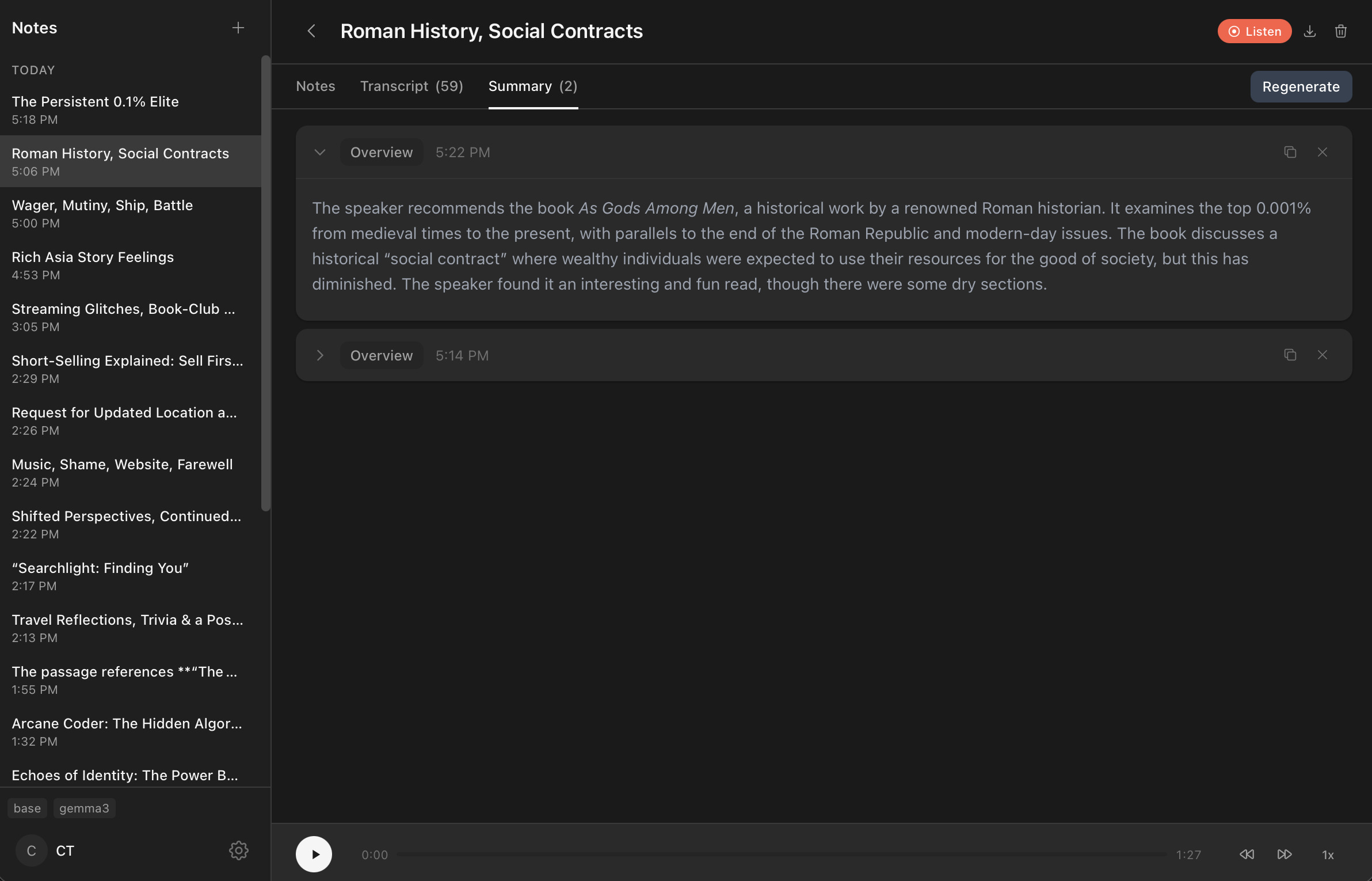
After a meeting ends, you can generate a summary. The app sends your transcript to Ollama, which processes it with whatever local model you have installed. The summary appears in the app. Nothing leaves your machine.
Why I Am Sharing It
I built Note67 for myself. It solved a problem I had. But I figured others might want the same thing—a way to transcribe and summarize meetings without relying on external services to keep their meetings and notes private.
The app is free and open source.
Your meetings. Your data. Your device.